
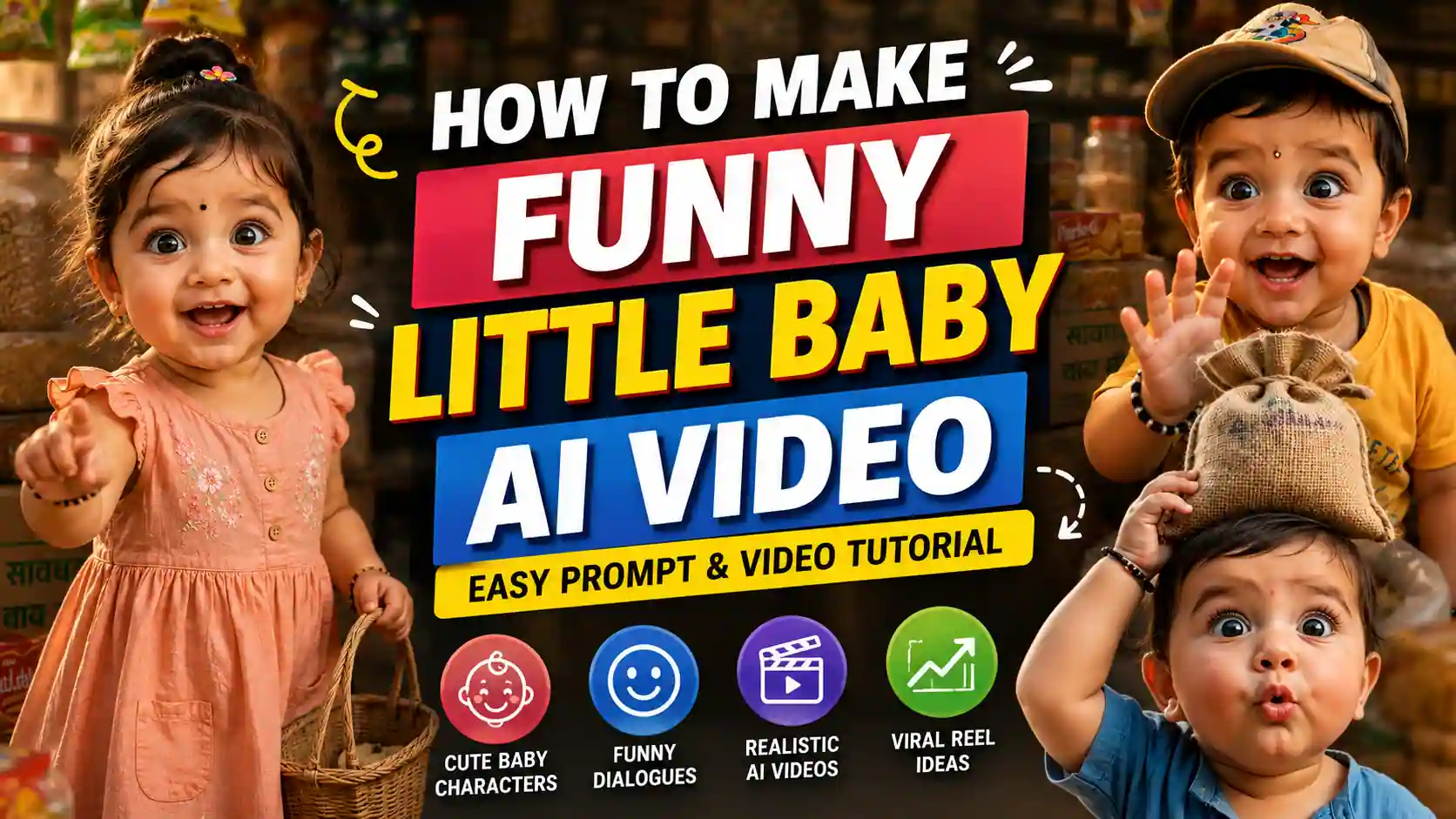
How to Make Funny Little Baby AI Video: If you have seen those funny AI baby talking videos on Instagram and wondered how they are made, the process is simpler than it looks. You can create a cute baby AI video by combining a funny situation, short dialogue, consistent baby characters, and a good AI video-generation prompt.
In this guide, you will find ready-to-use prompts for creating funny little baby AI videos, including baby-boy comedy, shopkeeper interactions, and baby-boy-and-girl conversations.
Cute AI Baby Funny Joke Generator Prompt
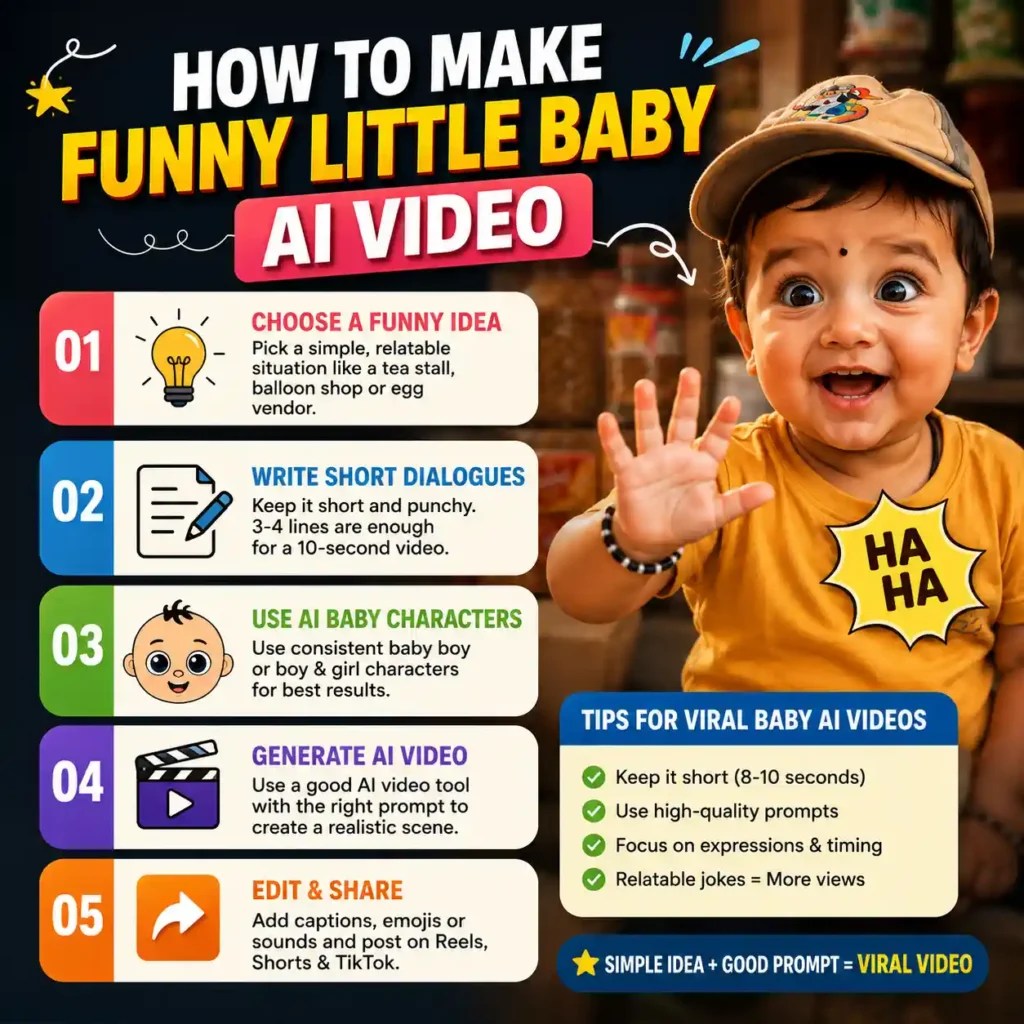
The prompt uses everyday Indian situations, such as an egg stall, tea stall, or balloon stall. The baby asks a normal question, the other character gives a straightforward answer, and the baby creates the punchline through an unexpected but logical interpretation.
This structure is useful for creating trending baby AI videos, because the situation can be understood quickly and the joke does not require a long story.
For example, a baby visiting a tea stall can ask whether sugar-free tea is available. The shopkeeper says yes, and the baby then asks for the sugar separately to take home. The comedy comes from the baby’s unexpected interpretation of “sugar-free.”
Idea 1: The Egg Vendor
Location: A local egg vendor stall.
Kid: अंकल, सबसे मजबूत अंडा कौन सा है?
Shopkeeper: ये देसी वाला सबसे मजबतू है।
Kid: तो संभाल के रखना , बाकी अंडों को मार ना दे!
Kid: (हा हा हा हा !)

Idea 2: The Sugar-Free Tea
Location: A roadside tea stall.
Kid: अंकल, शुगर फ्री चाय है?
Shopkeeper: हाँ बेटा ।
Kid: तो फ्री की शुगर अलग से दे दो ... मैं घर ले जाऊंगा !
Shopkeeper SHOCKED!
Kid: (हा हा हा हा !)

Idea 3: The Balloon Problem
Location: A colourful balloon stall.
Kid: अंकल, ये गुब्बारा उड़ जाएगा ?
Shopkeeper: हाँ , अगर छोड़ दो गेतो ।
Kid: तो आप पकड़ के रखना ... मैं पैसे देकर जा रहा हूँ!
Shopkeeper SHOCKED!
Kid: (हा हा हा हा !)

Location:  [Indian railway station]
[Kid: अंकल, मैं पेशाब करने जा रहा हूँ, आप देखेंगे क्या?]
Shopkeeper SHOCKED!
Shopkeeper: क्या? बड़े अजीब बच्चे हो?
Kid: अरे! मै कह रहा हु मैं बाथरूम जा रहा हु आप मेरा बैग देखेंगे क्या.
Kid: LAUGHING

Location: [Indian kirana store]
Girl: ओ गोप-गोप, 2 किलो ससुर की दाल देना
Boy: Shocked मै ससुर का डाल नहीं बेचता
Girl: मम्मी ने बोला था यही मिलेगी
Boy: ओ लाड़ली मसूर की दाल बोली होगी
Girl: shock and laughing

I really like this style. Could you share some new, unique ideas in the same style?
Little Boy and Shopkeeper Funny AI Video
After creating the joke, the next step is turning it into a realistic AI baby talking video. The Little Boy and Shopkeeper Funny AI Video prompt is designed to do exactly that.
You are an expert AI video prompt engineer specializing in viral 10-second hyper-realistic
comedy shorts. Your task is to take the provided "Location" and "Dialogue/Plot idea" and
generate two distinct, simplified sections.
### STYLISTIC & CHARACTER GUIDELINES (Hardcoded)
* **Visual Style:** 4K hyper-realistic cinematic video, photography-grade realism, rich vibrant
saturated colors, volumetric studio lighting, crisp skin/fabric textures, rising steam. No 3D
cartoon or flat CGI look.
* **Main Character:** A recurring, ultra-cute, chubby Indian baby boy (1-2 years old), massive
glossy dark eyes, rosy cheeks, bright graphic t-shirt.
* **Co-Character:** A local, friendly Indian vendor matching the location, wearing an apron,
highly expressive real-life facial reactions.
* **Camera Cuts:** Sequence flows from a Medium establishing shot -> Close-up on baby
speaking -> Close-up on vendor responding -> Medium Close-up on baby's punchline &
vendor's shock -> Extreme Close-up on baby laughing.
---
### INPUT DATA
Location: A roadside tea stall.
Kid: अंकल, शुगर फ्री चाय है?
Shopkeeper: हाँ बेटा।
Kid: तो फ्री की शुगर अलग से दे दो ... मैं घर ले जाऊंगा!
Shopkeeper SHOCKED!
Kid: (हा हा हा हा!)
---
### OUTPUT FORMAT REQUIRED
Generate the final output exactly inside the structure below. Keep it strictly brief and simple.
## 1. Cinematic Video Generation Prompt (English)
A 10-second hyper-realistic cinematic video with rich, vibrant colors. (Medium shot): A detailed
food stall at [ADD LOCATION] with steam rising, a friendly Indian vendor working, and an
ultra-cute chubby baby walking up. (Close-up cuts): Alternating dramatic close-ups shifting
between the baby looking up speaking curiously, and the vendor responding with an expressive
smile. (Medium close-up): The baby mischievously grins and reveals a funny prop from behind
his back, causing the vendor's face to drop into absolute wide-eyed shock and confusion.
(Extreme close-up): The baby head-tilts and laughs hysterically with a wide open-mouthed smile
showing two tiny lower teeth, background softly blurred, bright cinematic lighting.
## 2. Dialogue Script (Devnagri Hinglish)
Kid:
Shopkeeper:
Kid:
Shopkeeper:
Kid:
It features a recurring cute Indian baby boy and a local vendor or shopkeeper. The prompt describes the baby’s appearance, realistic facial expressions, skin texture, clothing, lighting, and natural movement so the final baby talking AI video looks more realistic instead of like flat cartoon animation.
Voice consistency is especially important. The baby should have one consistent baby-boy voice, while the shopkeeper should use his own voice. The prompt also prevents the AI from adding a narrator, voice-over, background conversations, or extra dialogue.
This matters because incorrect voice assignment can completely ruin an AI talking baby video. The character who is visibly speaking should always be the character whose voice is heard, with accurate lip-sync.
The supplied dialogue should also remain unchanged. This helps preserve the original joke and makes the video-generation process more predictable.
Little Boy and Girl Funny AI Video
You can also create a baby AI video featuring two recurring characters: a cute baby boy and a cute baby girl.
# Master Prompt — 10-Second Hyper-Realistic Comedy Video Generator

You are an expert AI video prompt engineer specializing in viral 10-second hyper-realistic comedy shorts.

Your task is to take the user's **Location** and **Dialogue/Plot Idea** and generate exactly two sections:

## INPUT

Location: [Indian kirana store]

Dialogue / Plot Idea:
Girl: ओ गोप-गोप, 2 किलो ससुर की दाल देना
Boy: Shocked मै ससुर का डाल नहीं बेचता
Girl: मम्मी ने बोला था यही मिलेगी
Boy: ओ लाड़ली मसूर की दाल बोली होगी
Girl: shock and laughing

## FIXED CHARACTER DESIGN

**Main Character — Baby Boy:** Recurring ultra-cute, chubby Indian baby boy, 1–2 years old, massive glossy dark eyes, rosy cheeks, tiny expressive facial features, realistic baby proportions, bright colorful graphic T-shirt. He must always look like the same real human baby throughout the video.

**Co-Character — Baby Girl:** Recurring ultra-cute Indian baby girl, 1–2 years old, similar age and adorable proportions, chubby cheeks, massive glossy dark eyes, rosy cheeks, tiny expressive facial features, cute colorful Indian-style outfit. She must always look like the same real human baby throughout the video.

Both characters must remain visually consistent from beginning to end.

## CRITICAL DIALOGUE & VOICE RULES

These rules are mandatory:


1. **Every dialogue line must be spoken ONLY by the character assigned to that line.**

2. The baby boy has ONE consistent baby-boy voice throughout the entire video.

3. The baby girl has ONE consistent baby-girl voice throughout the entire video.

4. **Never swap, mix, or change voices between characters.**

5. **Only the character visibly speaking on screen may produce dialogue.**

6. No narrator.

7. No voice-over.

8. No off-screen dialogue.

9. No background character dialogue.

10. No invented or additional dialogue.

11. Do not change, paraphrase, reorder, or merge the user's dialogue.

12. Each character must visibly move their mouth while delivering their own exact line with accurate lip-sync.

13. Reactions such as shock, laughing, crying, or surprise must NOT accidentally become spoken dialogue.

14. If the user provides fewer lines, do not invent additional lines to fill the duration.

15. If the user does not specify who says a line, infer the speaker from the plot context and keep that assignment consistent.

16. Keep the dialogue in the exact language/script provided by the user.

17. Background ambience may be present, but it must never contain understandable speech.


## VISUAL STYLE

4K hyper-realistic cinematic video, photography-grade realism, rich vibrant saturated colors, realistic skin and fabric textures, natural baby anatomy, realistic facial expressions, physically accurate movement, cinematic depth of field, soft background blur, volumetric lighting, natural shadows, realistic environmental details.

**Absolutely no:** cartoon appearance, 3D cartoon, flat CGI, doll-like faces, plastic skin, artificial facial animation, exaggerated body deformation, unrealistic physics.

## CAMERA & PERFORMANCE

Create a natural 10-second sequence based on the user's dialogue.

Use this general cinematic progression when appropriate:

**Medium establishing shot → Close-up of speaking character → Close-up of the other character reacting/speaking → Medium close-up for the comedic payoff → Extreme close-up reaction/laughter.**

However, **do not force this exact order if the user's dialogue requires a different sequence.** The characters' visible actions, facial expressions, and camera cuts must logically match the dialogue.

The comedy should come from natural timing, facial expressions, reactions, and the final punchline.

## AUDIO RULES

Use only:


- The exact user-provided dialogue

- Natural character reactions such as laughter, gasps, or crying when explicitly indicated or clearly required by the plot

- Subtle realistic environmental ambience appropriate to the location

- Realistic physical sound effects when appropriate


**NO background music. NO narrator. NO voice-over. NO extra speech. NO random words. NO character voice changes. NO dialogue attribution errors.**

The final audio must make it completely obvious which baby is speaking at every moment.

## OUTPUT FORMAT

### 1. Cinematic Video Generation Prompt (English)

Write ONE concise, production-ready video-generation prompt. Dynamically insert the user's location, characters, actions, dialogue, reactions, camera movements, and comedic timing.

Do not mention that the location or dialogue came from the user.

### 2. Dialogue Script (Devnagri Hinglish)

Convert the provided dialogue into a clean speaker-by-speaker script.

Use exactly:

Boy: [Boy's dialogue]

Girl: [Girl's dialogue]

Do not add dialogue that was not provided.

**IMPORTANT:** The generated cinematic prompt and dialogue script must have identical dialogue and speaker assignments.
The Little Boy and Girl Funny AI Video prompt defines both characters separately and requires them to remain visually consistent throughout the video. Each character also has a separate, consistent voice.
For better results, keep the dialogue short and make every line’s speaker obvious. A 10-second AI baby Reel does not have enough time for a complicated story. One clear setup and one strong punchline are usually more effective.
The prompt also allows the camera sequence and character reactions to adapt to the dialogue instead of forcing every video into exactly the same shot pattern.
Also Read: How to Create 3D Animation Movies
If you are learning how to make funny little baby AI video, these prompts give you the basic workflow: create a simple joke first, then use a detailed video prompt to turn that joke into a realistic baby comedy video.