
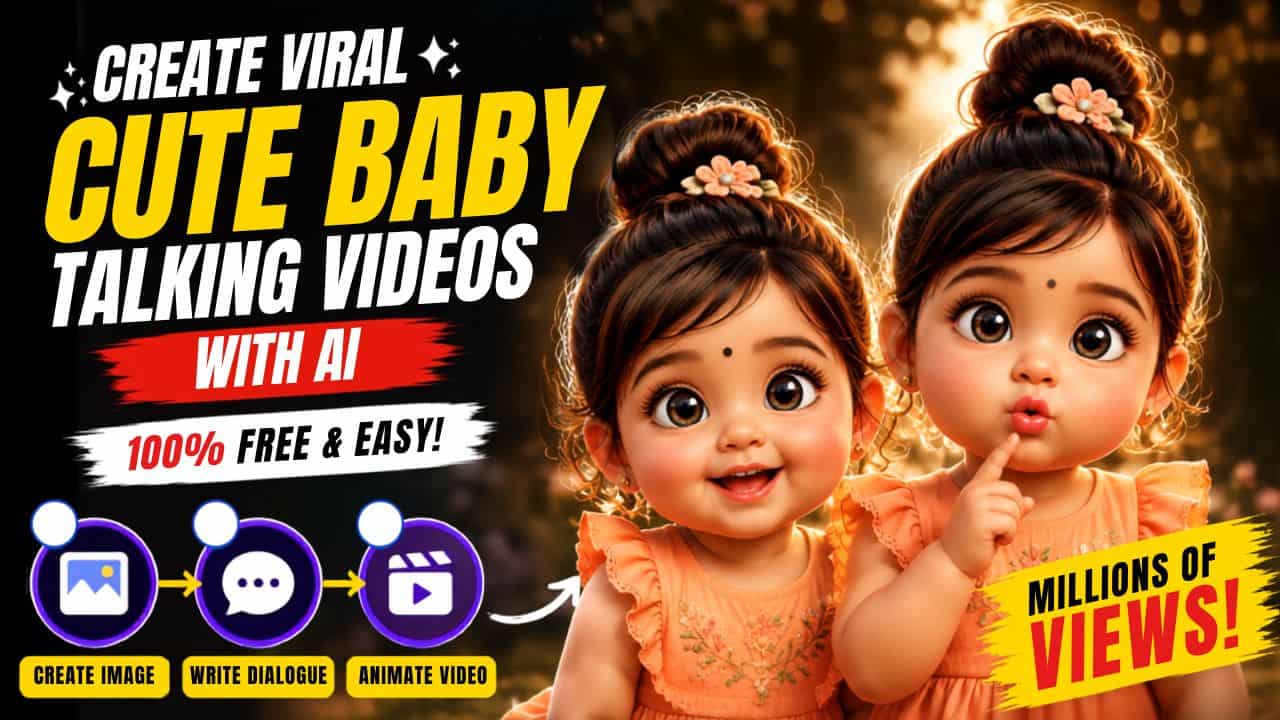
How to Create Cute 3D Pixar Talking Baby Videos: Cute 3D Pixar-style talking baby videos are becoming one of the biggest trends on Instagram Reels, YouTube Shorts, and TikTok. Their adorable expressions, realistic lip sync, and funny dialogues grab attention within seconds, making them highly shareable.
How to Create Cute 3D Pixar Talking Baby Videos
The best part is that you don’t need any editing skills. With ChatGPT and Google Flow, you can create these viral cartoon-style videos in just a few minutes using simple prompts.
1. How to Create a Cute 3D Pixar Baby Image
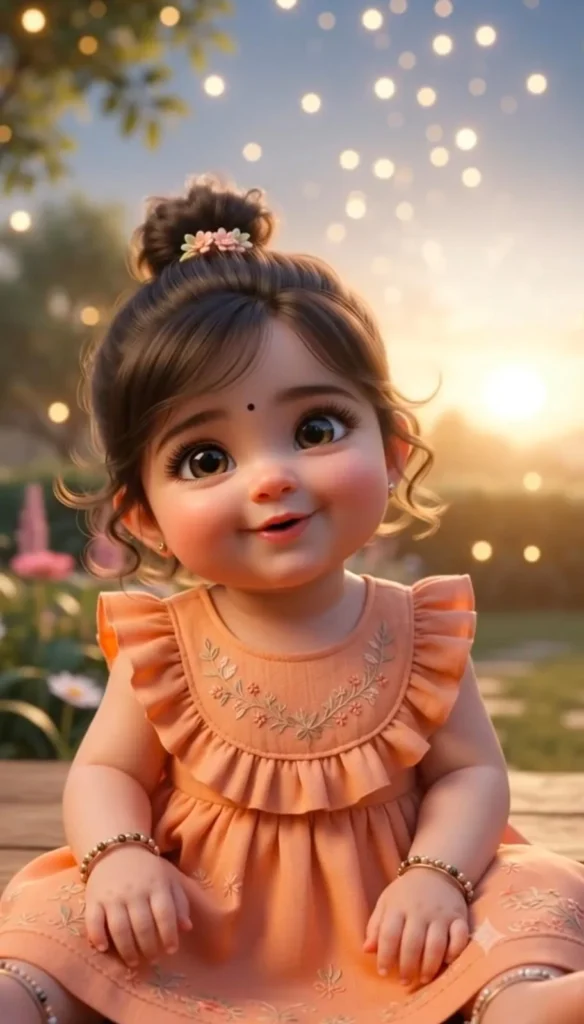
Start by generating a cute 3D Pixar-inspired baby character using ChatGPT or Gemini. A detailed prompt describing the baby’s face, hairstyle, outfit, expression, lighting, and Pixar-style appearance will produce much better results. Once you’re happy with the image, save it for the next step.
Cute Baby Girl Prompt
Create an ultra-cute 3D Pixar-inspired baby girl with a chubby round face, enormous sparkling hazel-brown eyes, long curled eyelashes, tiny button nose, soft rosy cheeks, glossy pink pouty lips making an adorable "ooh" expression, silky dark brown hair tied into a small messy top bun with a tiny floral hair clip, tiny earrings, small black bindi on the forehead, peach-orange ruffle dress, pointing one finger upward, innocent curious expression, warm golden sunset lighting, dreamy cinematic bokeh background, soft volumetric light, ultra detailed skin, realistic hair strands, premium Disney/Pixar quality, vibrant colors, shallow depth of field, photorealistic 3D render, masterpiece, 8K, highly detailed, adorable, heart-melting, viral Instagram aesthetic. size 9:16Cute Baby Boy Prompt
Create an ultra-cute 3D Pixar-inspired baby boy with a chubby round face, huge sparkling hazel-brown eyes, long eyelashes, tiny button nose, rosy cheeks, glossy soft pink lips making an adorable "ooh" expression, fluffy dark hair with a slightly messy hairstyle, wearing a pastel blue knitted romper, pointing one finger upward, innocent playful expression, warm golden sunset lighting, dreamy cinematic bokeh background, soft volumetric lighting, ultra detailed skin, realistic hair strands, premium Disney/Pixar quality, vibrant colors, shallow depth of field, photorealistic 3D render, masterpiece, 8K, highly detailed, adorable, heart-melting, viral Instagram aesthetic. size 9:162. How to Generate Cute Baby Dialogues
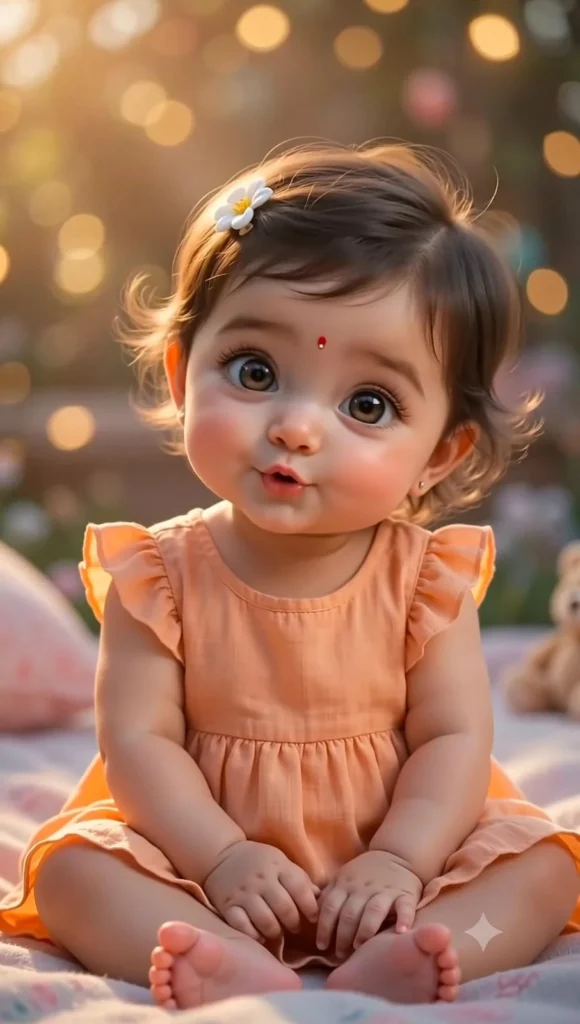
Now create a short dialogue for your character. Simply tell ChatGPT the topic you want, or leave it blank to generate a random cute and funny dialogue. Short dialogues of around 8 seconds usually perform best on Reels and Shorts because they keep viewers engaged until the end.
You are an expert short-form script writer for viral AI talking baby videos.

Write 10 short, cute, funny, engaging Hindi dialogue for a talking baby character.

Topic: [Optional – Enter any topic here. Leave blank for a random cute/funny dialogue.]

Duration: [Optional – Enter duration in seconds. Default: 8 seconds.]

Instructions:
- If no topic is provided, create a random cute, funny, and viral-worthy dialogue.
- If no duration is provided, make the dialogue approximately 8 seconds long.
- Keep the dialogue natural, simple, and easy for an AI baby voice to speak.
- Use conversational Hindi (avoid difficult words).
- Add cute expressions like "Aww", "Arey", "Hehe", "Oho", "Haww", etc. wherever suitable.
- Make the dialogue entertaining and highly shareable.
- The dialogue should have a strong hook in the first sentence to grab attention.
- End with a cute, funny, or wholesome punchline.
- Do not include narration, stage directions, emojis, or camera instructions.
- Output only the final dialogue, nothing else.
3. Animate the Character with Google Flow
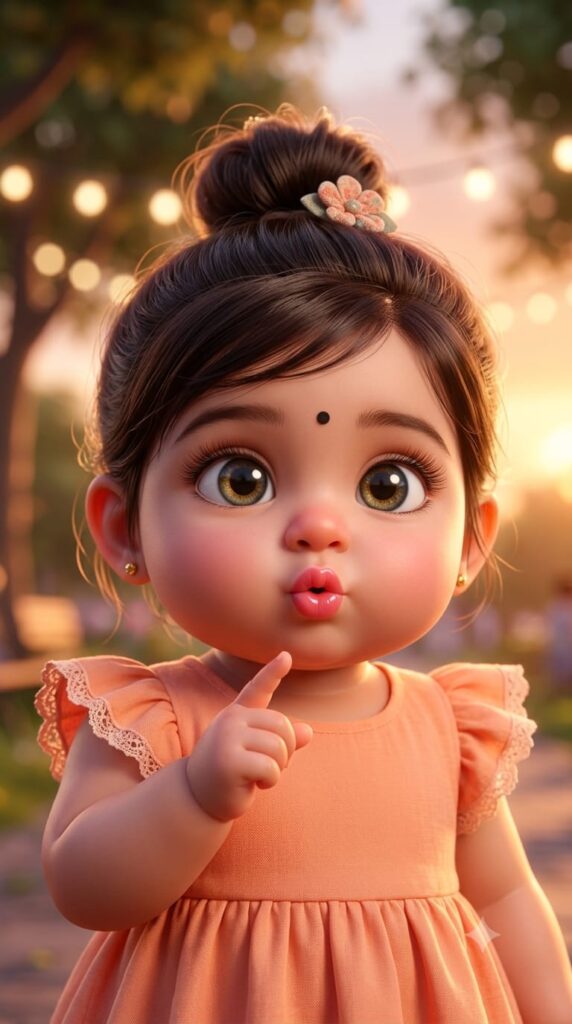
Finally, upload your Pixar-style character (if supported) or generate it directly inside your AI video workflow, then use an animation prompt to bring it to life. Add natural lip sync, blinking, facial expressions, hand movements, and smooth camera motion to create an adorable talking character ready for Instagram Reels or YouTube Shorts.
Use the uploaded reference image as the exact character. Preserve the face, hairstyle, facial features, eyes, skin tone, clothing, accessories, proportions, and overall 3D cartoon appearance exactly as shown. Do not change the identity or redesign the character.
Animate the character with smooth, natural, expressive movements. The baby looks directly into the camera, blinks naturally, smiles, tilts the head gently, makes cute hand gestures, points with one finger while talking, has subtle breathing, realistic lip sync, expressive eyebrows, sparkling eyes, and soft cheek movements. Add tiny pauses, playful expressions, and natural toddler-like body language. Keep the animation fluid and adorable throughout.

The baby speaks the following Hindi dialogue naturally with perfect lip sync:
"[PASTE YOUR HINDI DIALOGUE HERE]"

Use a sweet, innocent toddler voice with natural child pronunciation, tiny giggles, playful expressions, and emotional delivery that matches the dialogue.
Warm golden-hour lighting, dreamy cinematic bokeh background, soft volumetric lighting, shallow depth of field, premium Pixar-inspired 3D animation, ultra-detailed skin, realistic hair strands, vibrant colors, cinematic composition, smooth slow camera push-in, Instagram Reels quality, vertical 9:16, ultra-high quality, 4K.
This version is much more aligned with the actual trend users are searching for: Pixar-style 3D cartoon babies, not realistic AI baby videos. It also naturally fits the prompts you’re going to place underneath each section.
Also Read: Blur Image Enhancement Prompts for Gemini and ChatGPT